
APPLE
- Open the website on your browser
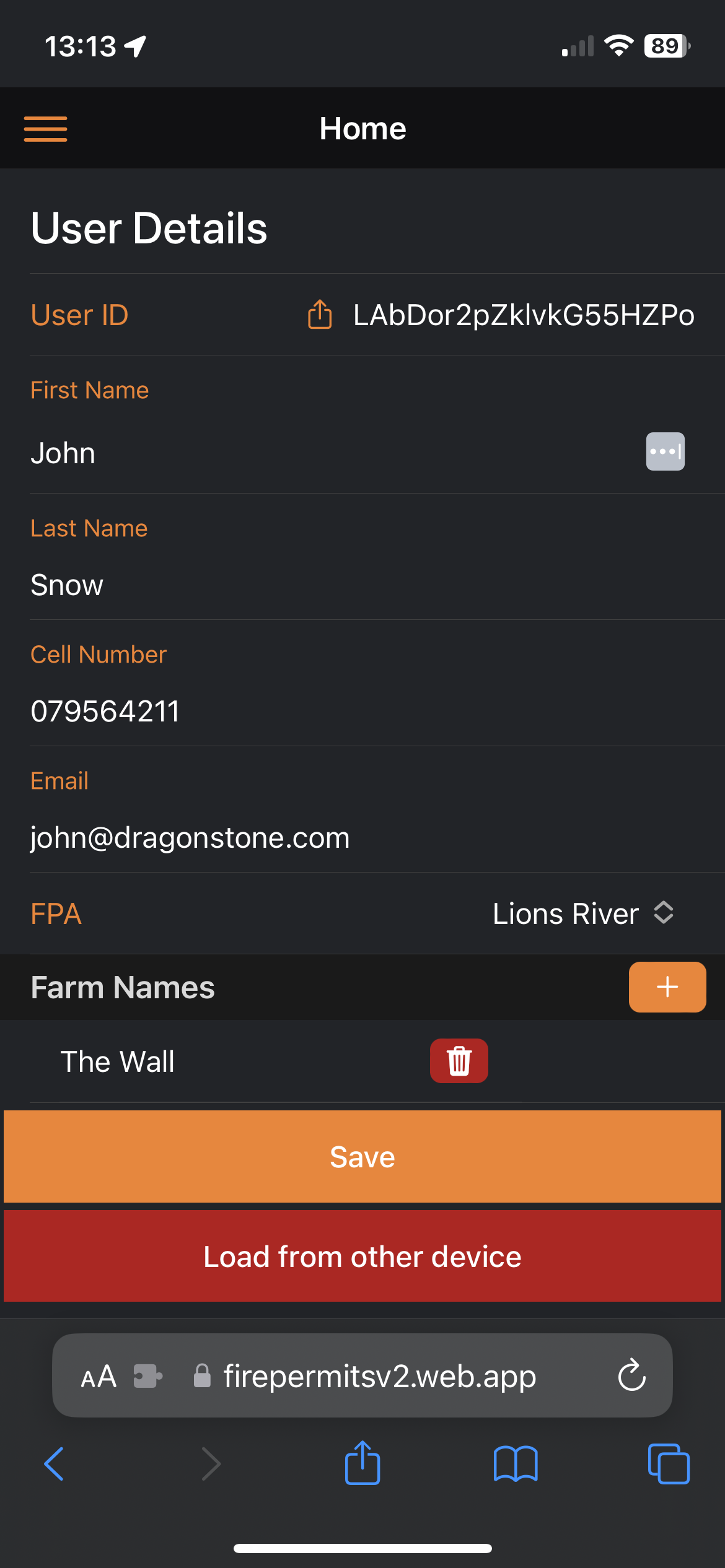
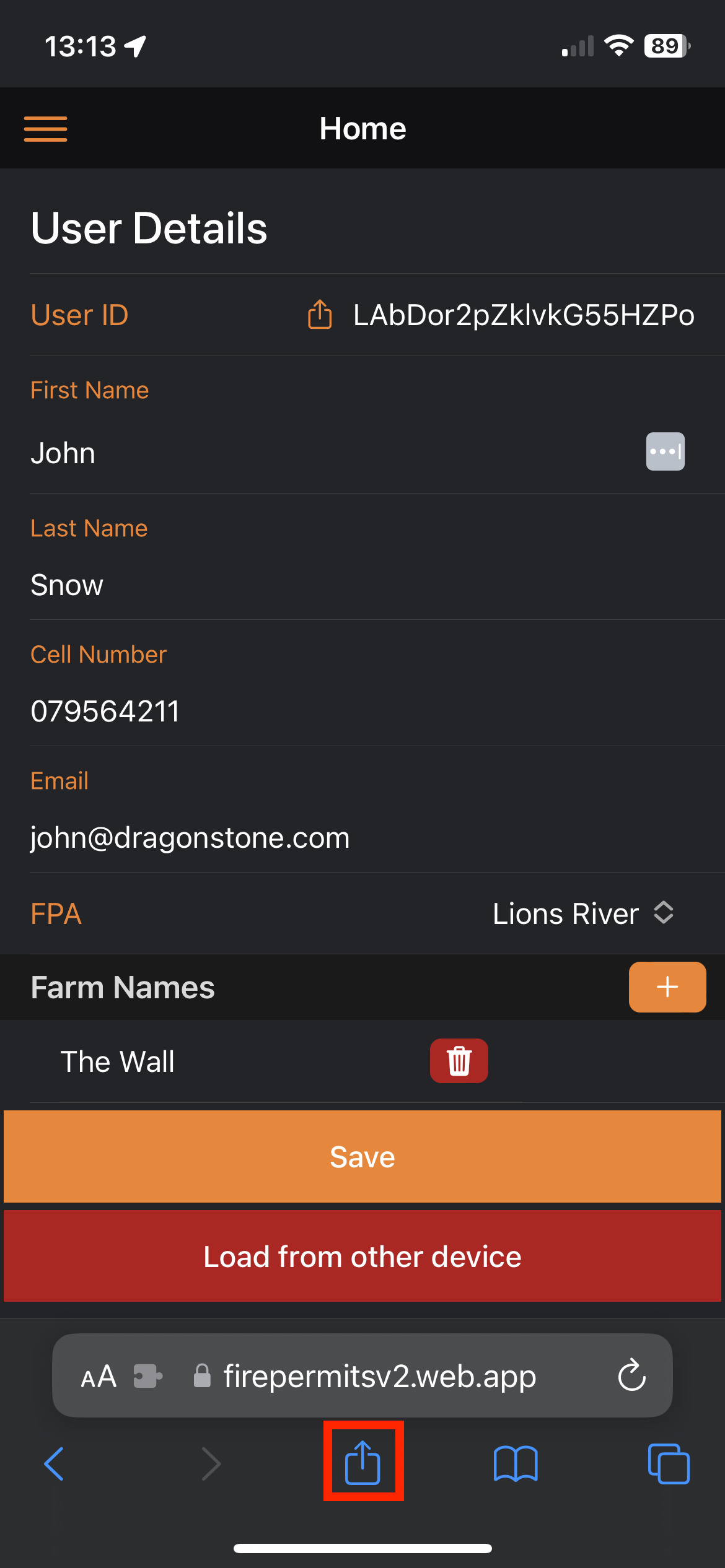
- Click on the Share Icon below the URL
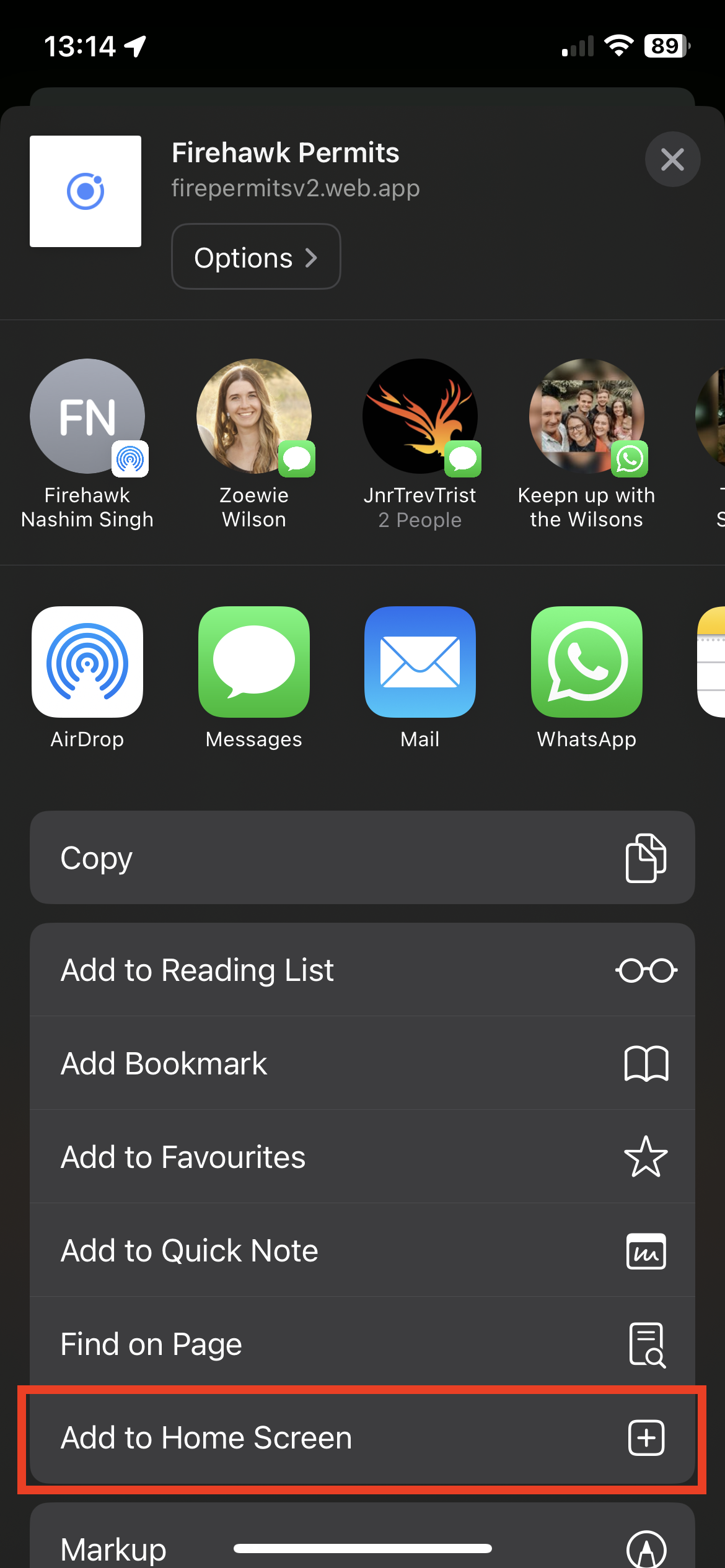
- Scroll up until you see "Add to Home Screen"
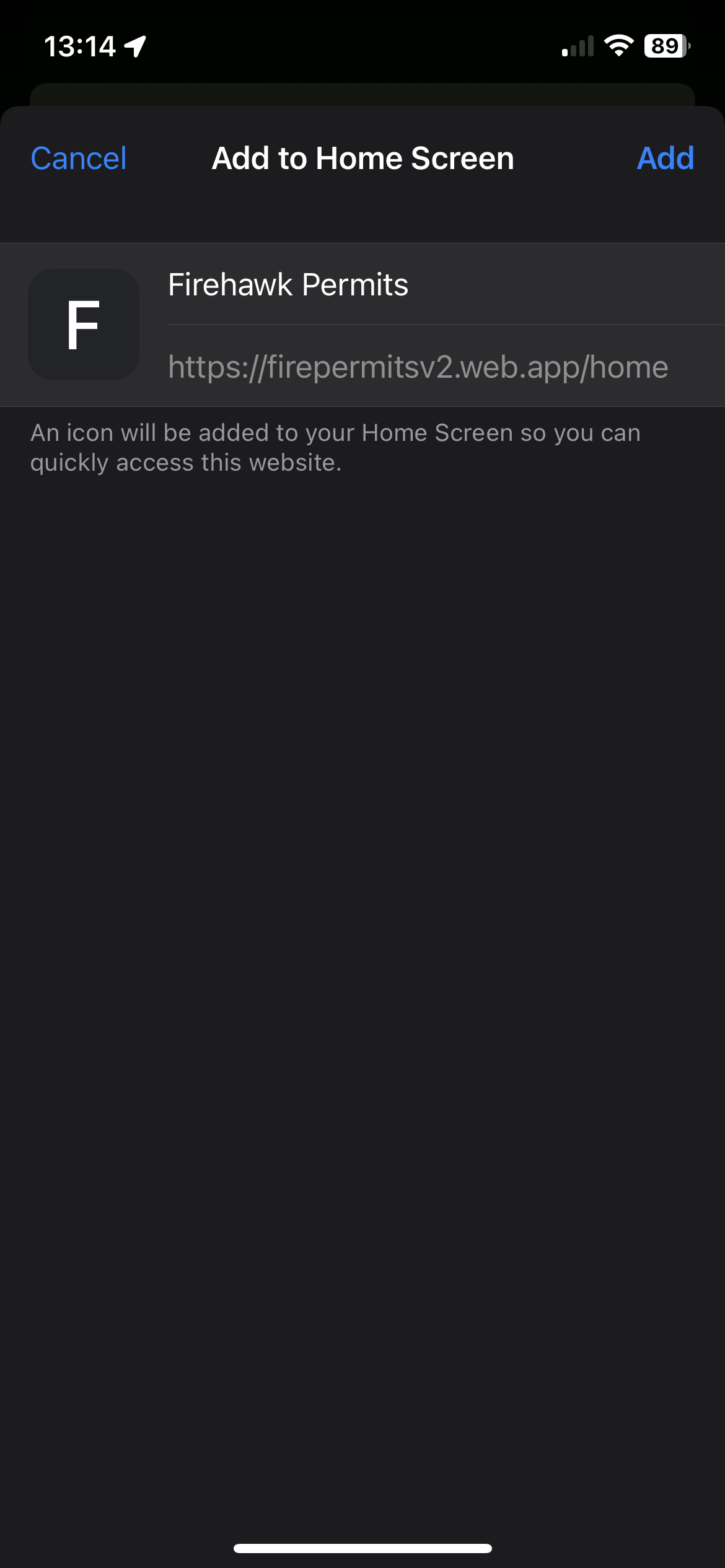
- Set the name and click "Add"
- Confirm that the app has been saved by looking at your home screen
ANDROID
- Open the website on your browser
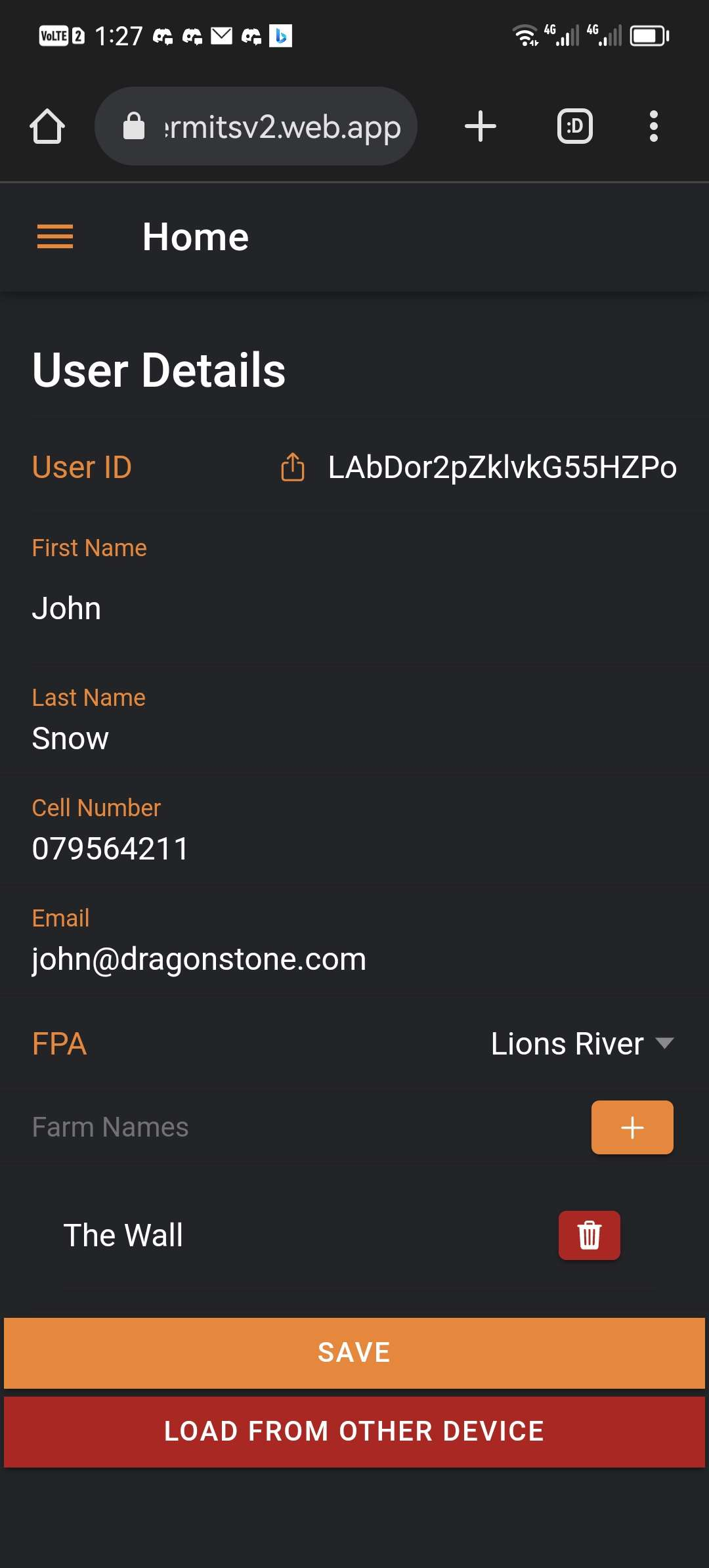
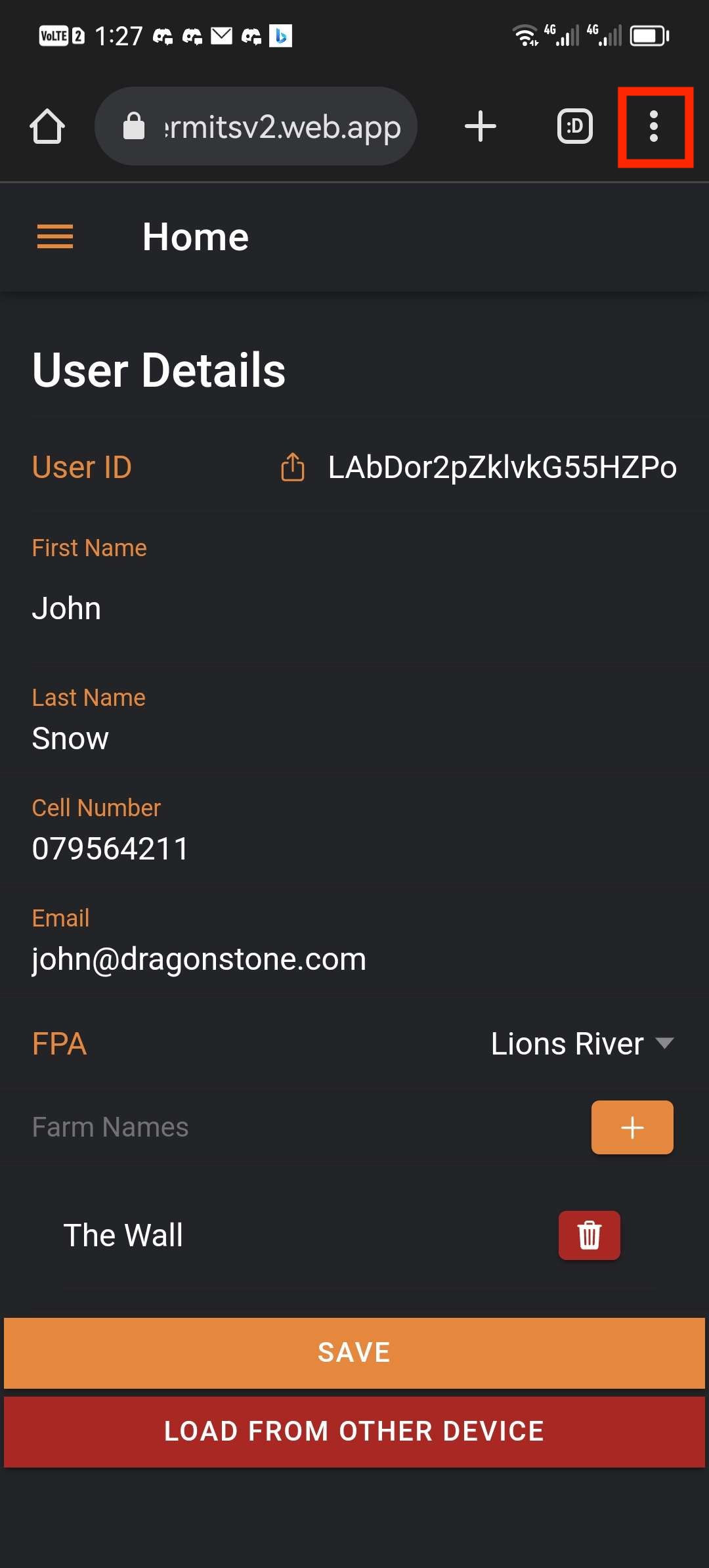
- Click on burger menu at the top left
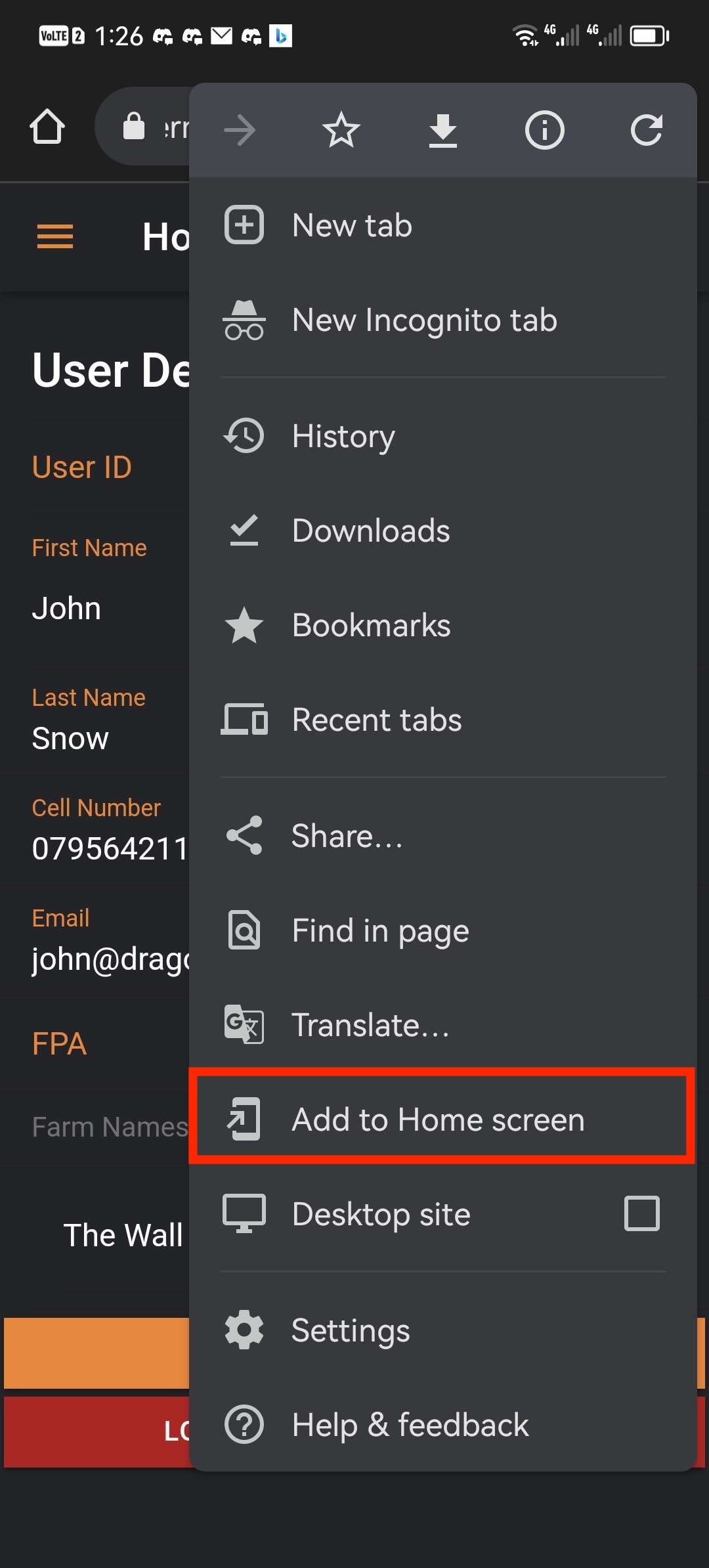
- Click Add to Home screen
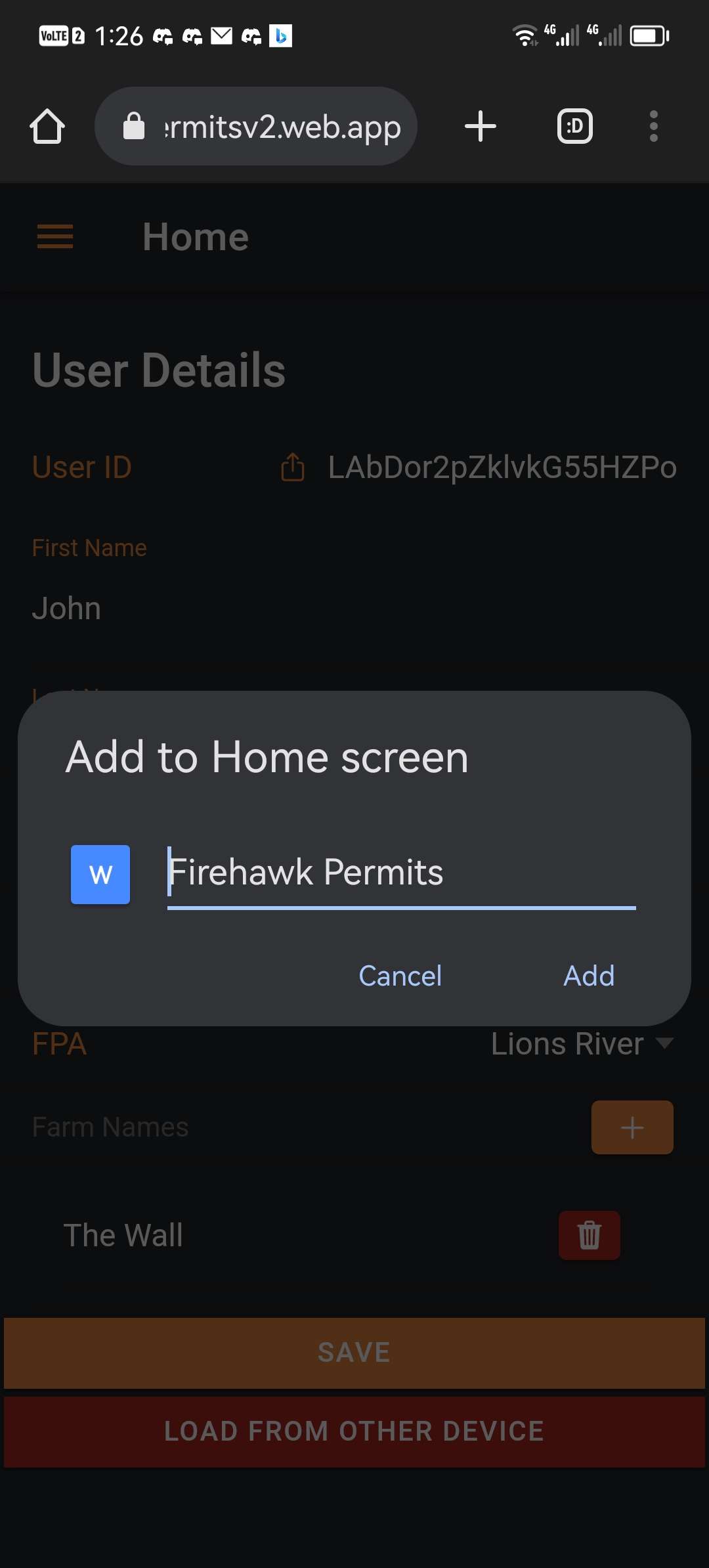
- Click Add
- Confirm that the app has been saved by looking at your home screen