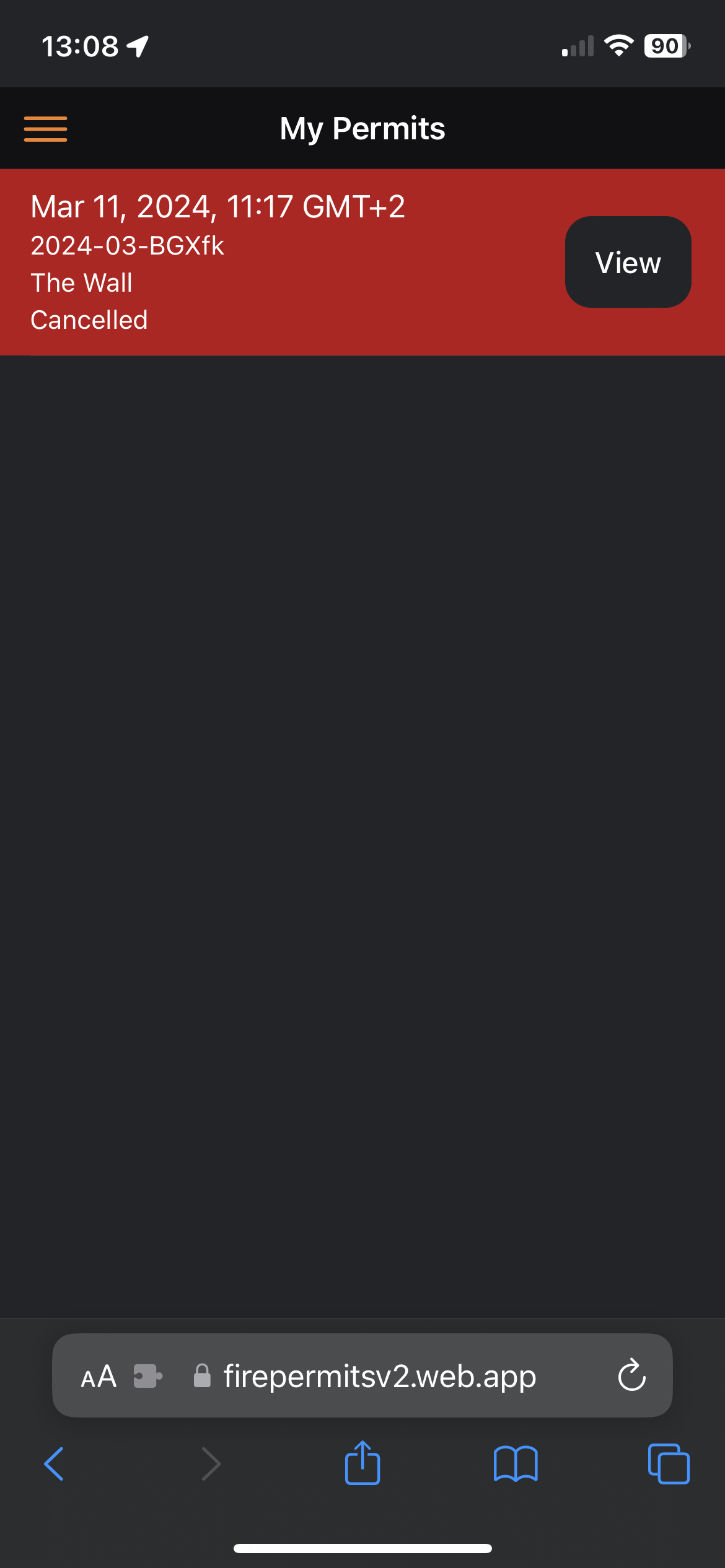
This how to is generated with the assumption that you have already created a user via the web app.
- Open your web browser of choice on your mobile phone
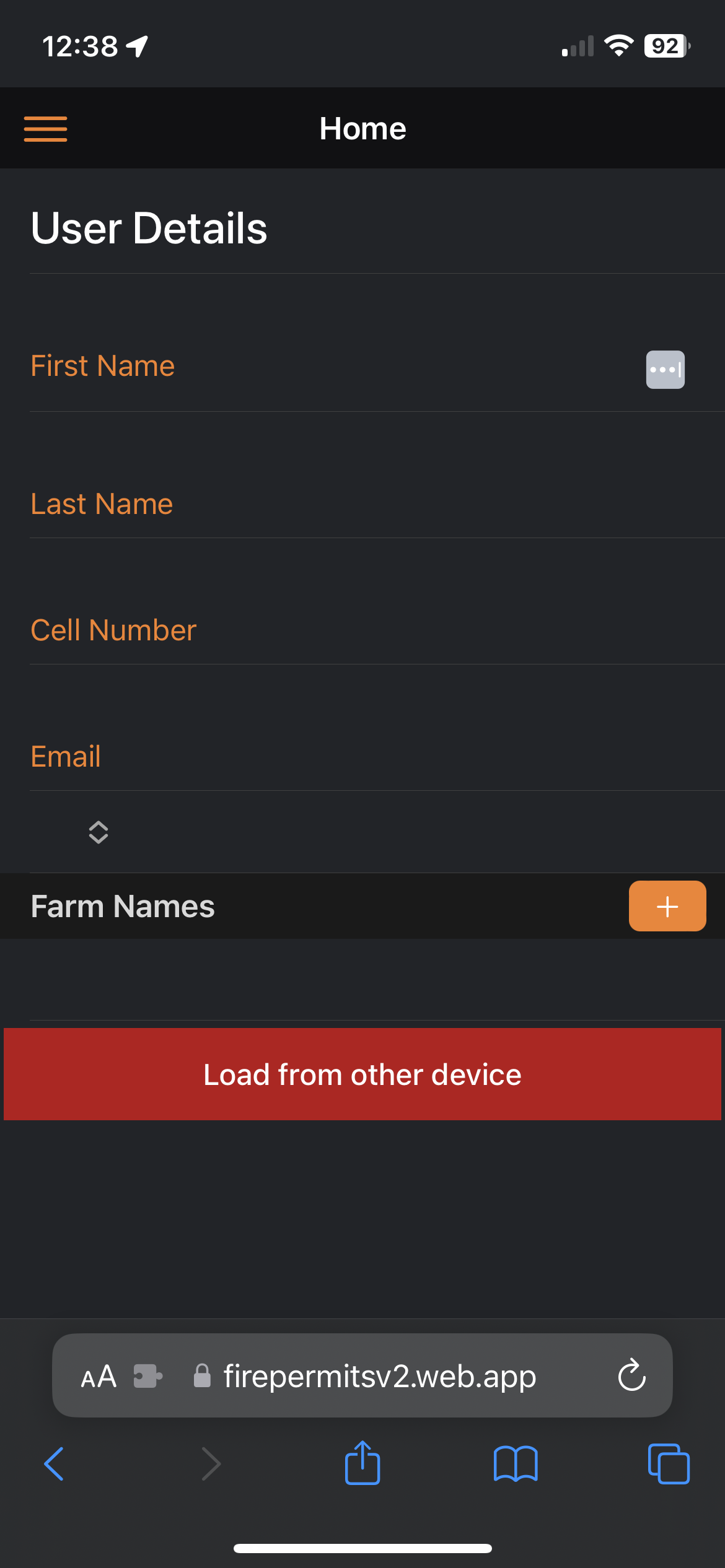
- Click on the "LOAD FROM OTHER DEVICE" button
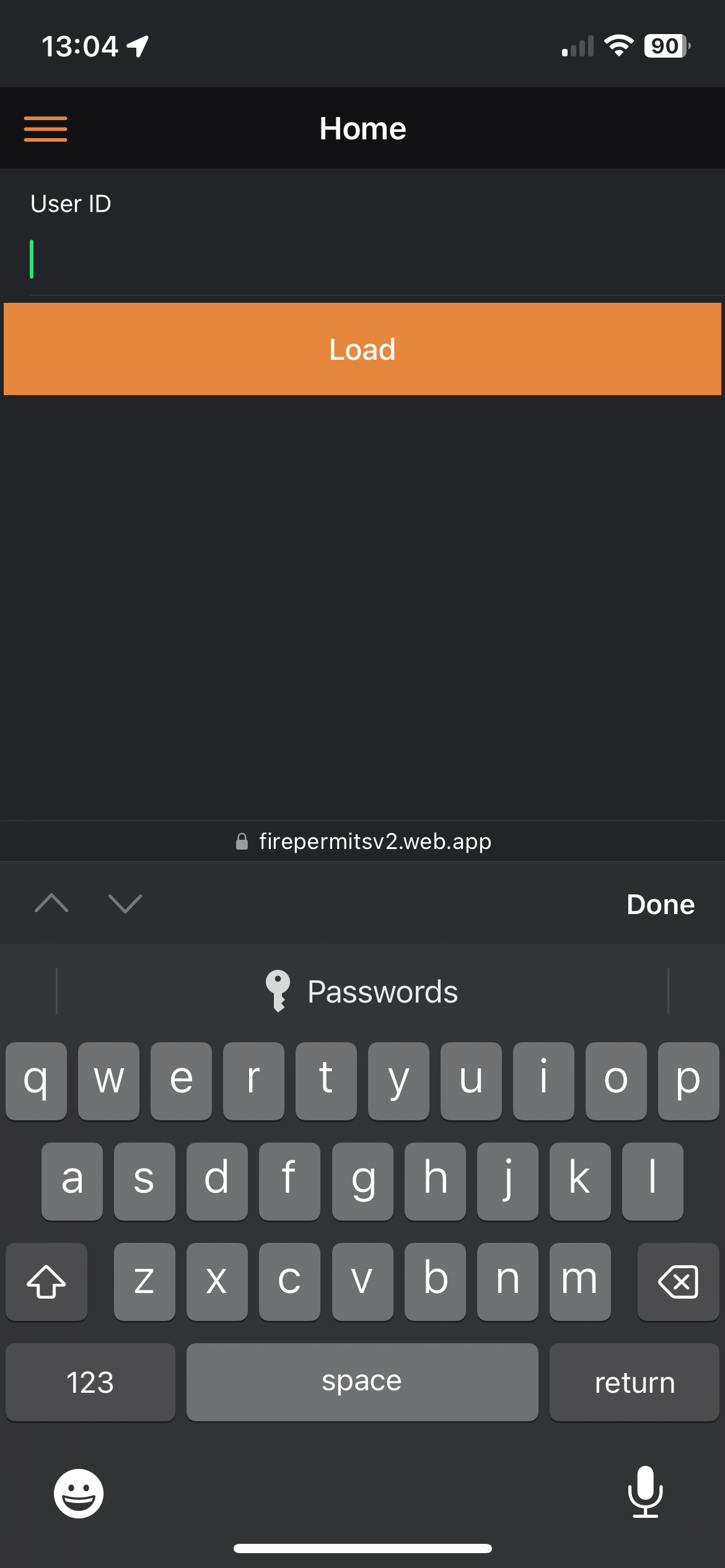
- Insert the user ID that is displayed under your user details on the web app.
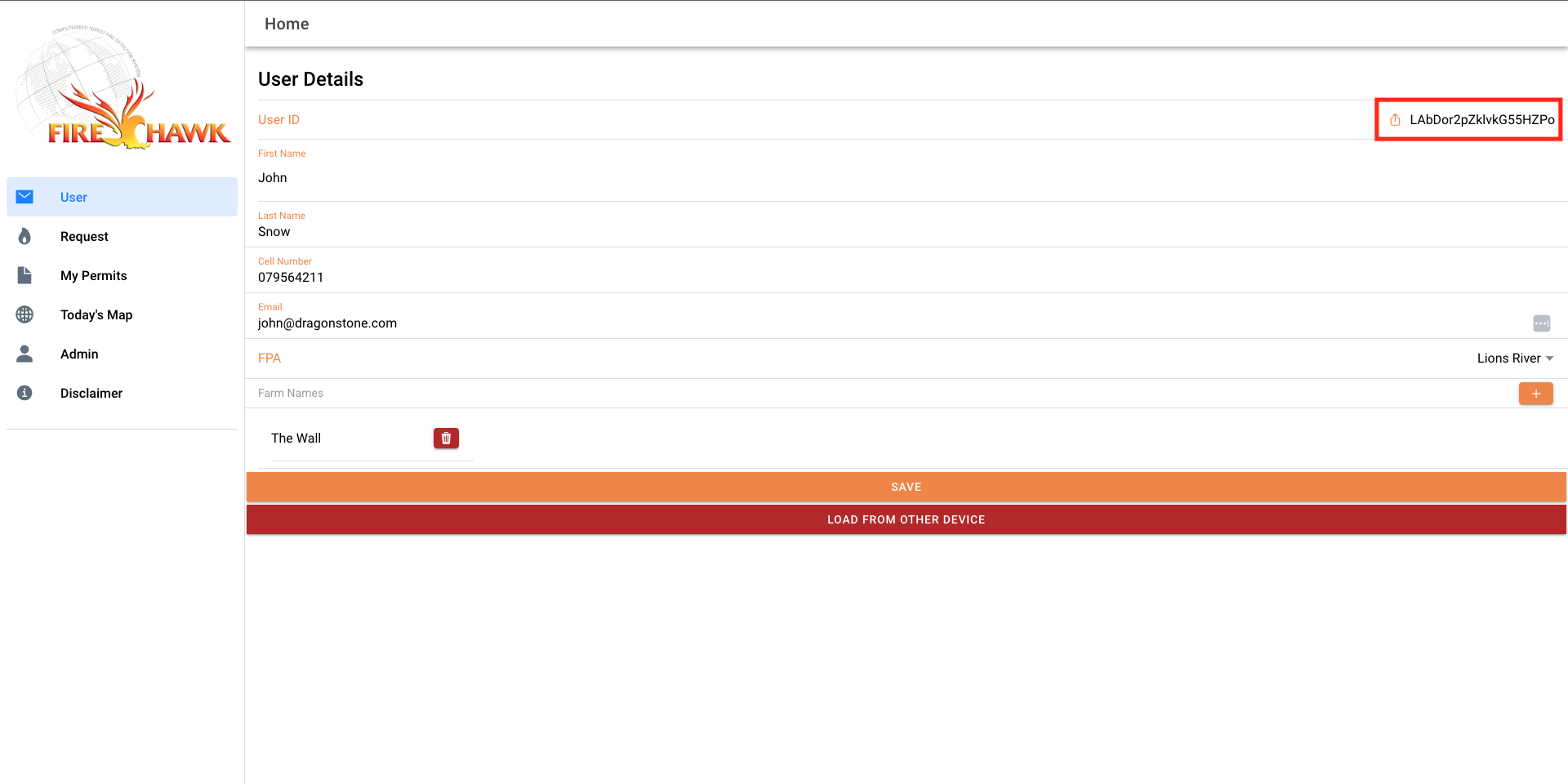
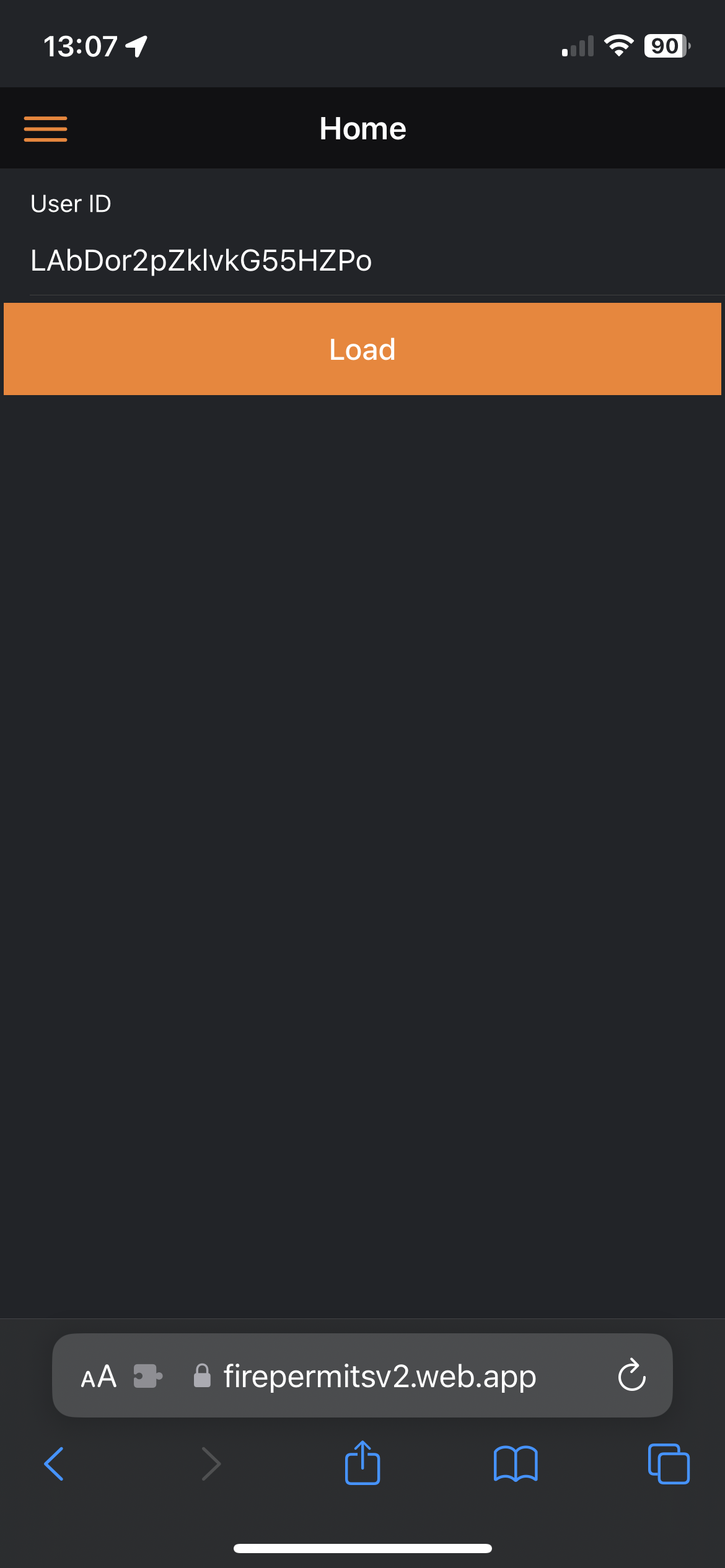
- Select "Load"
You will see all the user details have pulled across to your mobile device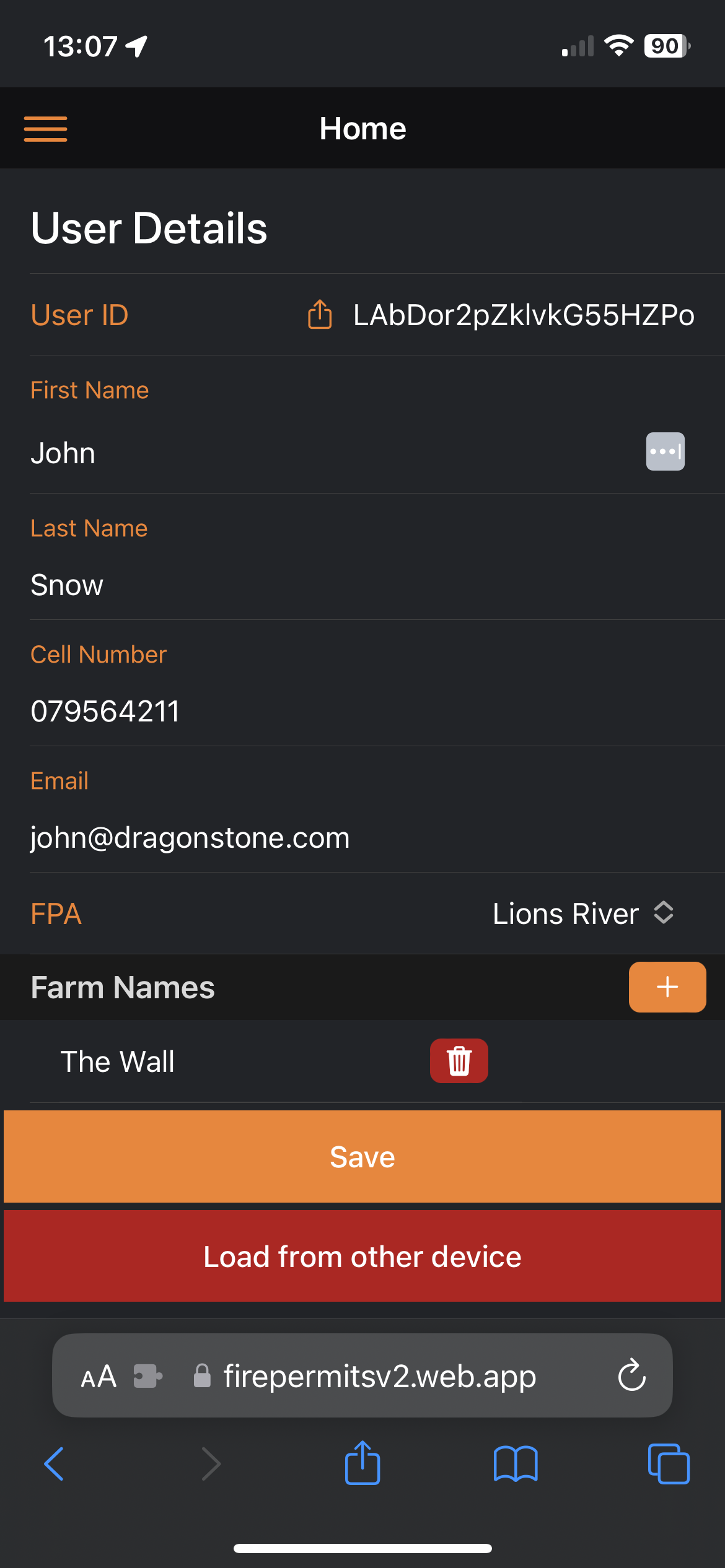
- Click "Save"
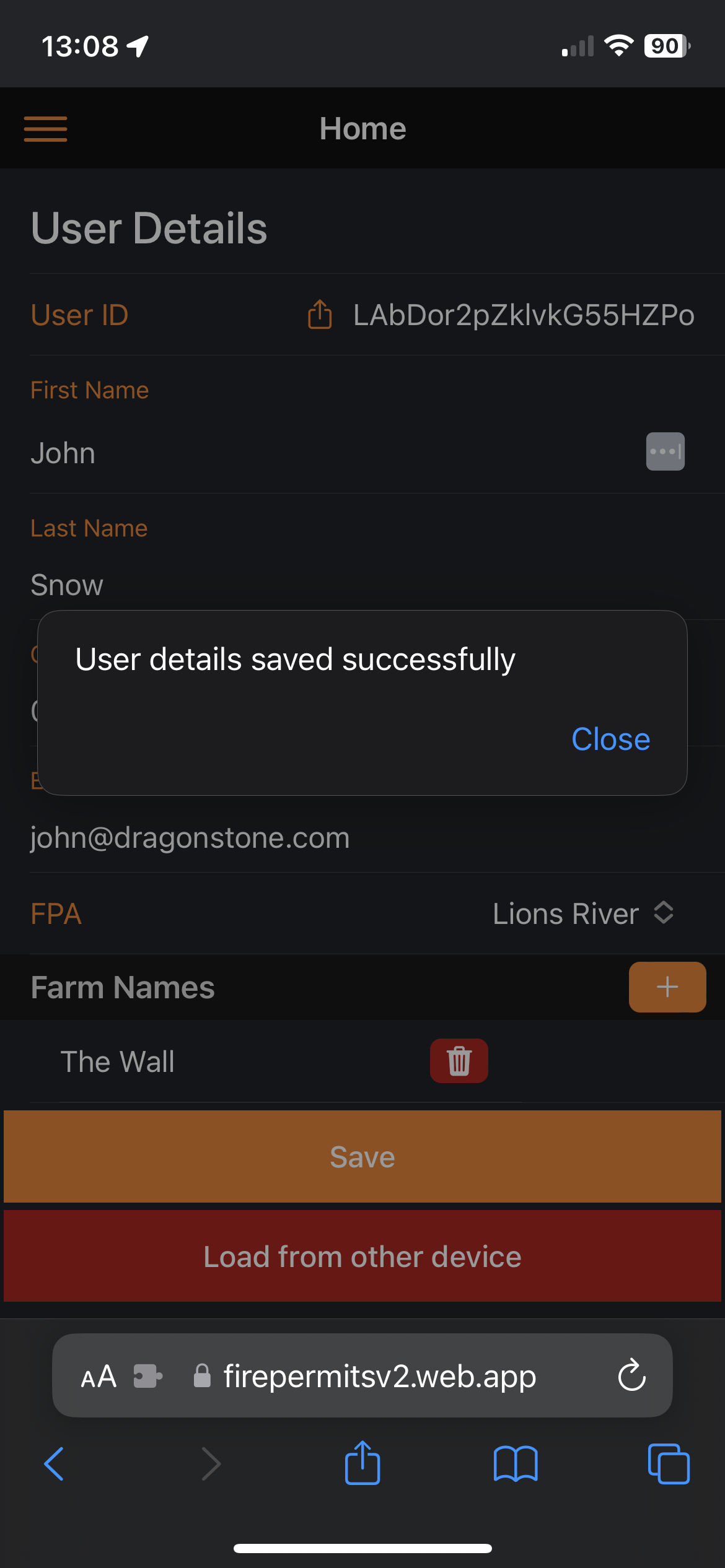
- You will no be able to navigate throughout the web app and view your permits