The best place to do this is on the website: https://firehawk-v2.web.app
- Login to your account on the website
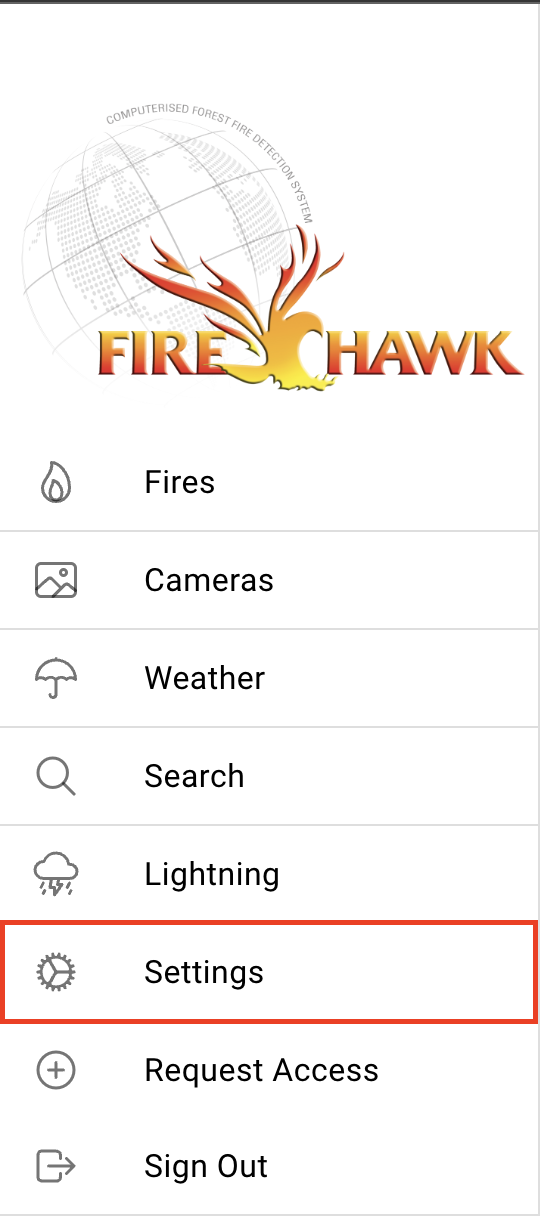
- Select Settings
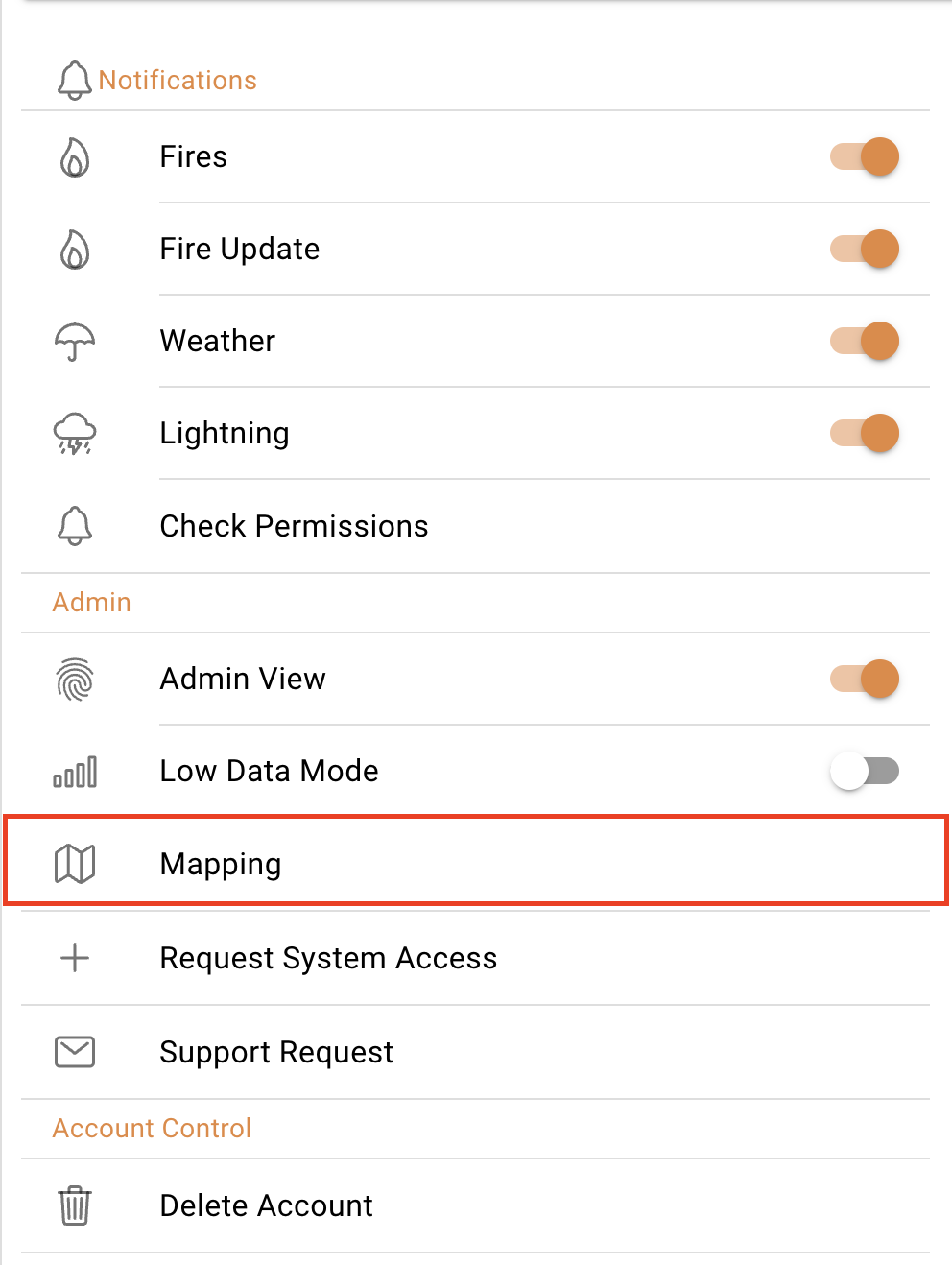
- Select Mapping
- Select Draw

- Manipulate the map to the area that you want to make a redzone on
- Click on the Polygon icon located at the top of the map window
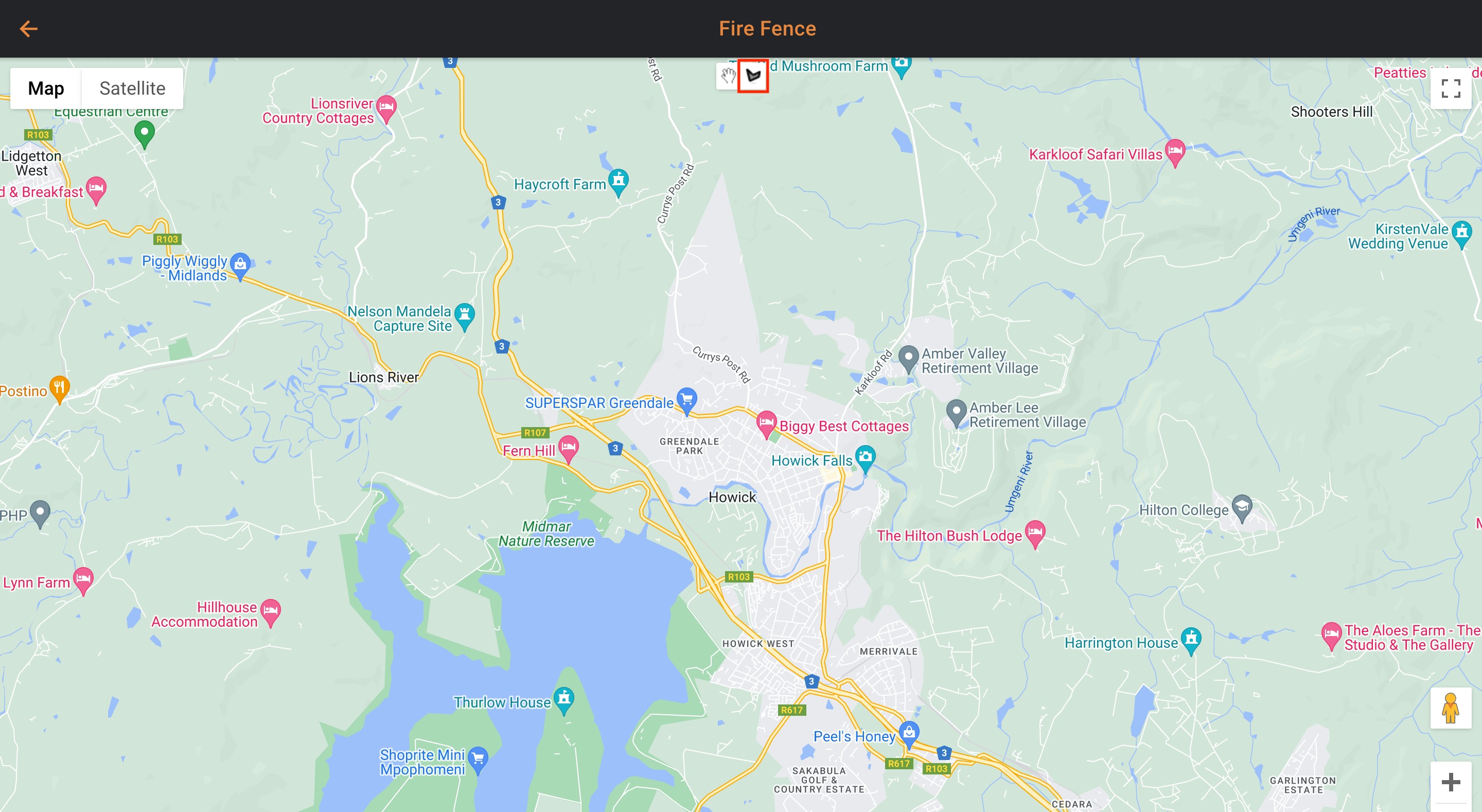
- Click around the area that you want to monitor. It is highly recommended to draw a bigger area so that you are aware of fires in neighbouring areas.
- Make the polygon and click on the starting point when you are done
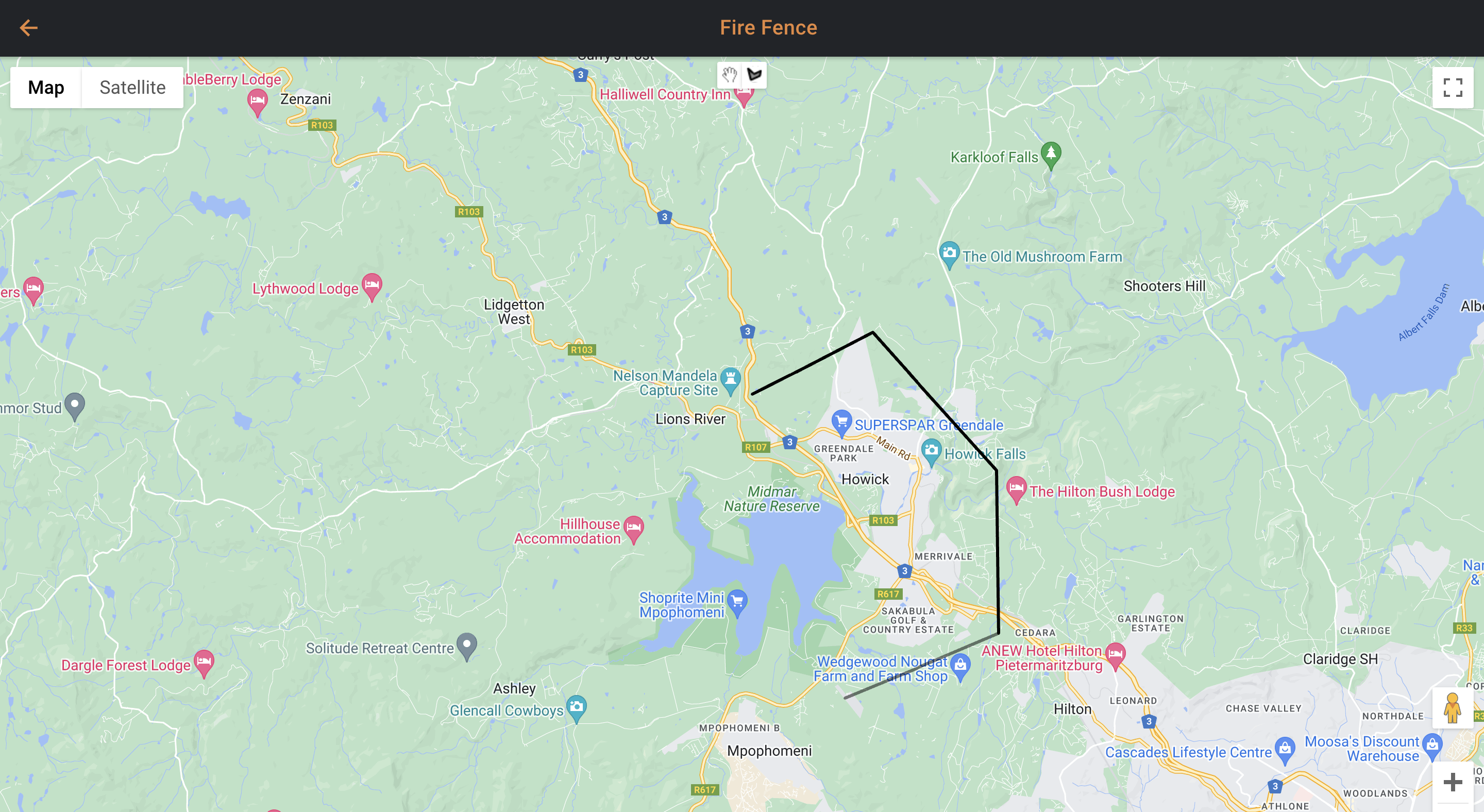
- Once completed, you will be redirected back to the home page automatically
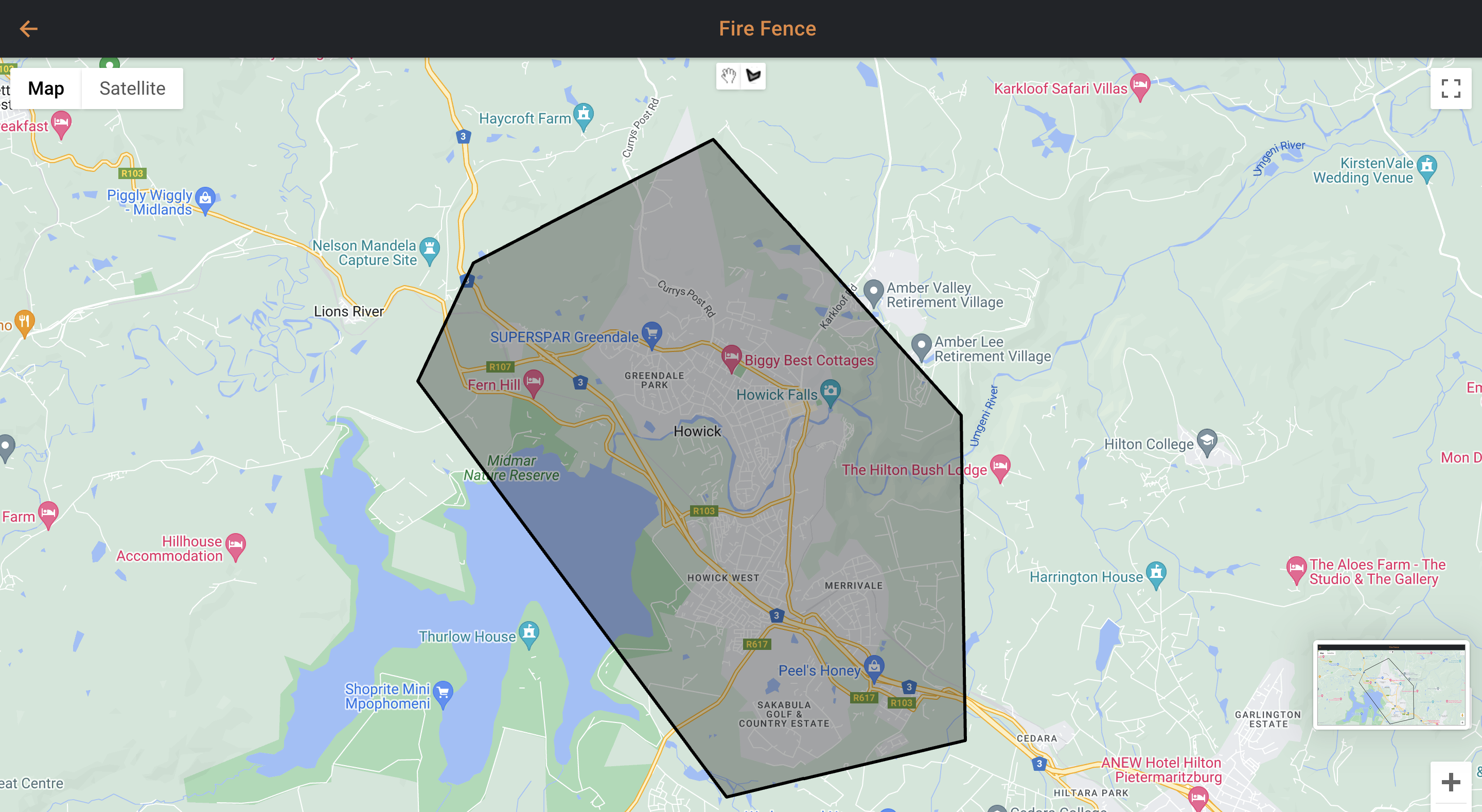
- Should you want to make more redzones, start from step 2 again
Note: If you are wanting to create more zones, you will not see what you have already created
To see what you have created do the following:
- Select Settings
- Select Mapping
- Select Manage
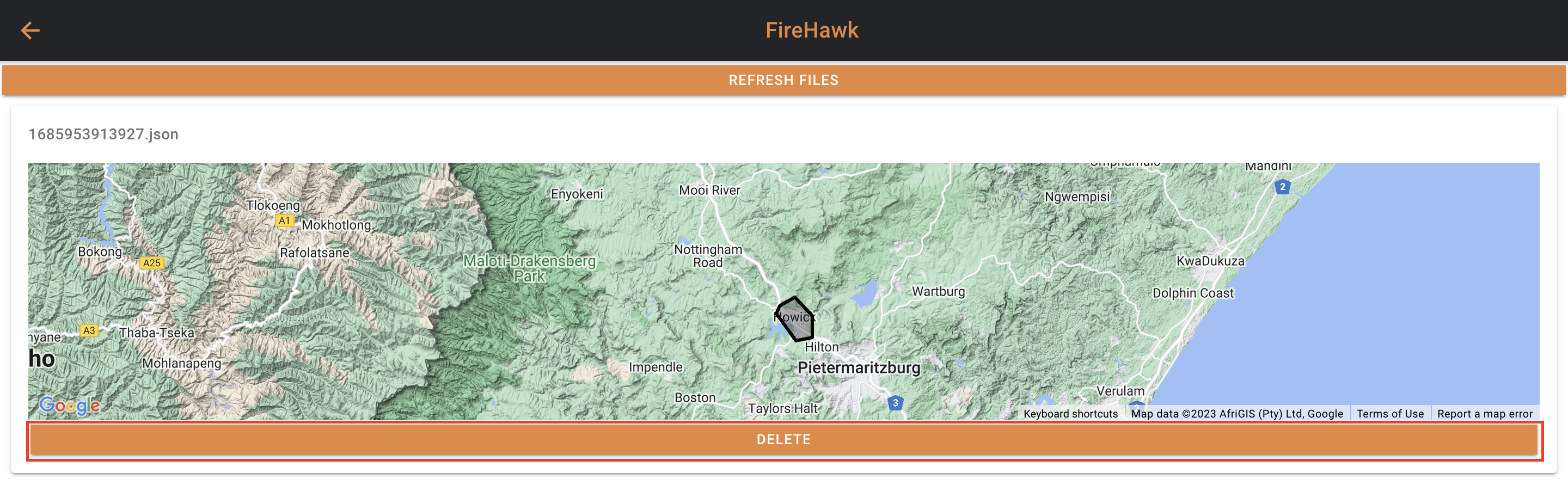
 In this window you will see all the redzones that you have drawn. Should there be a zone that you want to delete, press the delete button.